
Key takeaways
- The physical work is close: barcodes on units, protective packaging, clean cartons, accurate counts. The rules and paperwork are where the programs differ.
- Decide the split before inventory is prepped. Once a unit carries one marketplace's label, moving it to the other means relabeling.
- One prep warehouse can receive a single supplier shipment and build separate Amazon and Walmart shipments from it.
- Keep some backup stock outside both networks so you can ship your own orders if an inbound gets delayed.
- Fees, eligibility and prep rules change. Check current Seller Central and Walmart Seller Center pages before you commit.
WFS vs FBA: the question most Amazon sellers eventually ask
You've got Amazon FBA running. Products move, the routine works, and someone (a supplier, a friend, a podcast) tells you Walmart is the next channel. So you start reading about WFS vs FBA and every article is about fees. Fair enough. But fees aren't what trips people up when they add Walmart. The warehouse side is.
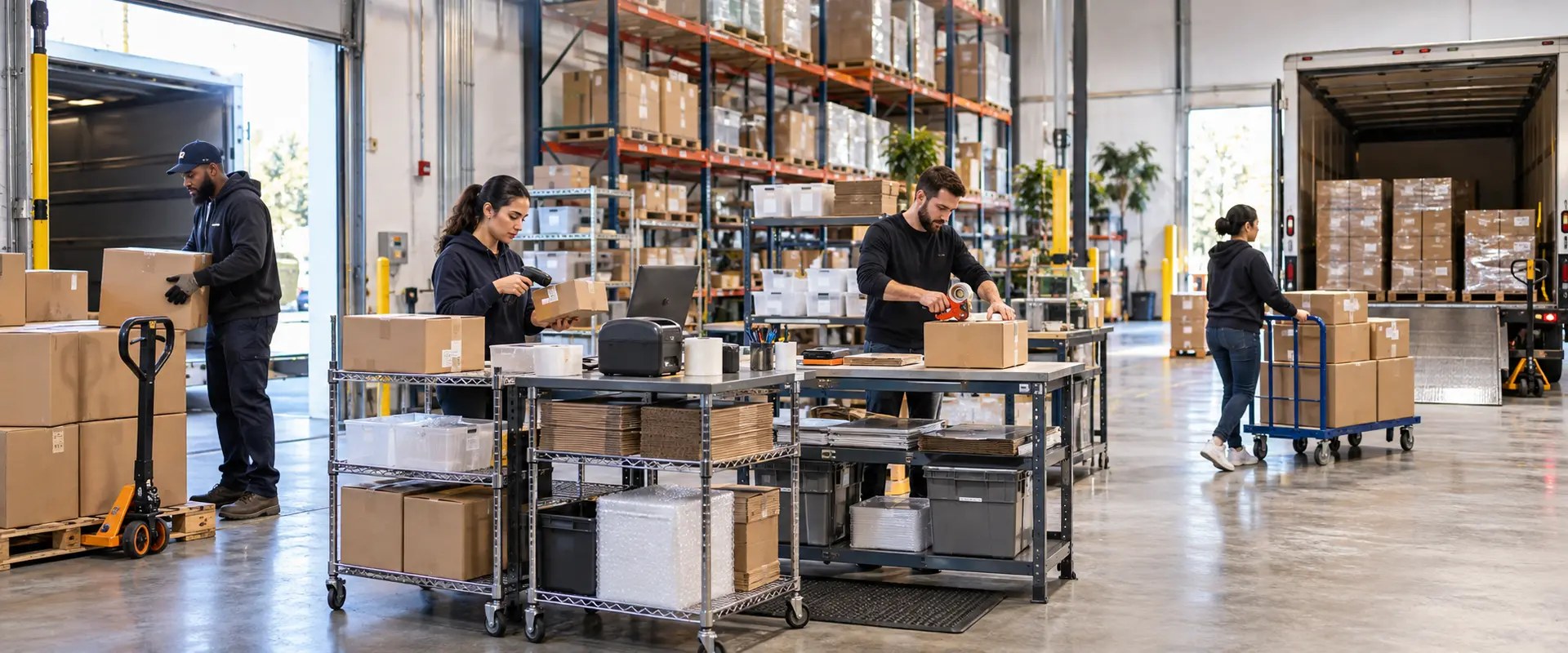
We're a prep and fulfillment warehouse in Niles, Illinois, and we handle inventory headed to both programs. We're not affiliated with Amazon or Walmart, and this isn't official guidance from either. What we can do is explain how the two compare once boxes are actually on a table and someone has to label them.
One thing up front. We won't quote either platform's fees, size limits or eligibility rules here. They change, and the only reliable source is the current help pages in Amazon Seller Central and Walmart Seller Center. Read those before you decide anything with money attached.
What each program does, in plain terms
Both programs work the same basic way. You send inventory into the marketplace's fulfillment network. They store it, pick it, pack it and ship it when a customer orders. You pay them for that, and your listings usually get some kind of delivery promise that helps them sell.
Walmart Fulfillment Services is Walmart's version of the idea Amazon made famous. If you know FBA, you already understand most of WFS conceptually. The rest is where the mistakes live: different label requirements, different inbound steps, different rules about which items qualify.
Inbound: creating the shipment
On Amazon, you create a shipment in Seller Central, tell it what you're sending, and it gives you labels and a destination. Walmart has its own inbound order flow in Seller Center. Same purpose, different screens, different terminology, different labels coming out the other end.
Here's what matters for the warehouse. Each program wants the physical shipment to match what you told it you were sending. Right SKUs, right quantities, right cartons. A box that doesn't match its paperwork causes problems on either side.
So if you're running both, you'll be building two sets of shipments from what might be one supplier order. That's not hard. It just has to be planned, not improvised at the packing table.
Prep and labels: similar work, different details
This is where sellers coming from Amazon get a little too comfortable. The tasks look identical:
- Put a scannable, correct barcode on each unit (or confirm the existing one is acceptable)
- Cover old or conflicting barcodes so only one scans
- Bag, wrap or box products that need protection
- Pack cartons tight, keep SKUs organized, label every carton
- Build pallets when the shipment goes by freight
But which barcode each program wants, when a separate label is required, and how cartons and pallets should be marked can all differ. An FNSKU label is an Amazon thing. Walmart has its own approach. Don't assume your Amazon habits carry over, and don't print a single label until you've checked the current Walmart prep requirements. We wrote a longer Walmart WFS prep guide that walks through the pieces.
The good news? The labor is basically the same. At our warehouse, Walmart prep runs on the same rate table as our Amazon FBA prep work. Wholesale and private label starts at $0.70 a unit for 20 to 500 units, and marketplace labels you send us digitally are $0.35 to $0.40 a unit.
Splitting inventory between two networks
This is the decision that actually needs thought. You have, say, 400 units coming from your supplier. How many go to Amazon, how many to Walmart, and how many stay back?
A few things worth weighing:
- 01
Start with sales history, not hope
Your Amazon numbers are real. Walmart numbers for a new listing are a guess. Most sellers send a smaller first batch to WFS and watch it before committing more.
- 02
Decide before prep starts
Once a unit has one marketplace's label on it, sending it to the other means peeling and relabeling. That's extra labor and extra risk of a wrong scan. Lock the split, then prep.
- 03
Think about storage on both sides
Both programs charge for storage, and both care about stock that sits too long. Check each one's current storage terms and don't overload either network just because the product fits.
- 04
Hold some back
Keeping reserve stock outside both networks gives you something to restock from, and something to ship yourself if needed. More on that below.
Using one prep center for both
Selling on Walmart and Amazon doesn't mean you need two warehouses. Most of the time it's simpler to have one place receive everything from the supplier and split it there.
Here's how that works with us. You share the requirements: products, channels, quantities, and how you want it divided. We confirm the work order before anything ships to us, so handling, packaging and destinations are defined in writing. Your supplier sends one shipment. We receive it, inspect it, prep the Amazon units with your Amazon labels and the Walmart units with your Walmart labels, keep the cartons separated, and send each shipment out. Anything you're holding back goes into storage.
If that's the setup you're after, our marketplace prep center in Chicago page covers the full list of prep services, and the Walmart WFS prep center page goes deeper on the Walmart side specifically.
A small caution. Two marketplaces means two sets of rules you're responsible for following. We do the physical work to your instructions, but the labels, addresses and compliance with each platform's requirements are on the seller. Keep both accounts' current requirements in front of you.
A hypothetical cost example
Hypothetical, using only our posted rates. Say 400 wholesale units of one standard-size product arrive in a single shipment. You want 200 prepped for Amazon, 150 for Walmart, each unit in a small poly bag, and 50 held back in storage.
- Prep, 400 units at $0.70 (includes receiving and basic inspection)
- $280.00
- Marketplace labels, 350 units at $0.35-$0.40
- $122.50-$140.00
- Small poly bags, 350 units at $0.30
- $105.00
- Shipping-plan admin, 2 shipments at $5
- $10.00
- Bin storage for the 50 reserve units
- $4-$6/month
That's $517.50 to $535 in one-time work, plus the monthly bin. Not included: the carrier or freight cost to get the cartons into each network, and whatever Amazon and Walmart charge on their end. Shipping-plan admin may be included on qualifying volume. If the shipment were going by freight instead of parcel, add palletization at $30 a pallet plus $1 a carton. For a real number, request a quote with your actual SKUs and quantities.
Why keep FBM or 3PL backup stock
Inbound shipments get delayed. Listings get suppressed. Sometimes a network just takes longer to receive than you planned. When that happens and all your inventory is sitting inside a marketplace warehouse (or stuck in transit to one), you can't sell.
Reserve stock at a 3PL fixes a lot of that. You can restock either network quickly without waiting on a new supplier order. And if your accounts allow it, you can fulfill orders yourself from that reserve while an inbound catches up. Many sellers also use the same stock for their own website or other channels, which is the whole idea behind multichannel fulfillment.
If you want us to ship those orders, our Walmart fulfillment service handles seller-fulfilled Walmart orders from our Niles warehouse, and our order fulfillment rates start at $2.75 for the first item per order on lower volumes. How orders get handed to us is confirmed during onboarding.
So which one, or both?
Honestly, for most established Amazon sellers the question isn't really WFS vs FBA. It's whether adding Walmart is worth the extra setup. If your products fit Walmart's audience and qualify for the program, running both from one prep warehouse is a fairly clean way to test it.
Start small on Walmart. Keep the split decision ahead of prep. Hold back a reserve. And check both platforms' current rules before every new product goes in, not just the first one.