
Key takeaways
- An FNSKU is the code Amazon uses to tie a specific unit to your seller account, while a UPC identifies the product itself.
- Most labeling problems come from four things: wrong label on the wrong SKU, curved surfaces, covered expiration info and barcodes that won't scan.
- Old barcodes usually need to be covered so only one scannable code shows. Check Seller Central for the current rules on your product.
- Unit labels and carton labels are two different jobs. At our warehouse, unit labels run $0.35 to $0.40 each and an additional carton label is $0.20.
What FNSKU labels actually are
FNSKU labels are the small barcode stickers that tell Amazon's warehouse exactly whose unit it's holding. FNSKU stands for Fulfillment Network Stock Keeping Unit. You generate one in Seller Central for each listing you send into FBA, print it (or have someone print it), and stick it on every single unit.
That's it. A little white rectangle with a barcode and a short product title. But when a unit arrives at an Amazon building, that sticker is how the unit gets matched to your listing and your inventory count. If it's missing, wrong or unreadable, things get messy fast.
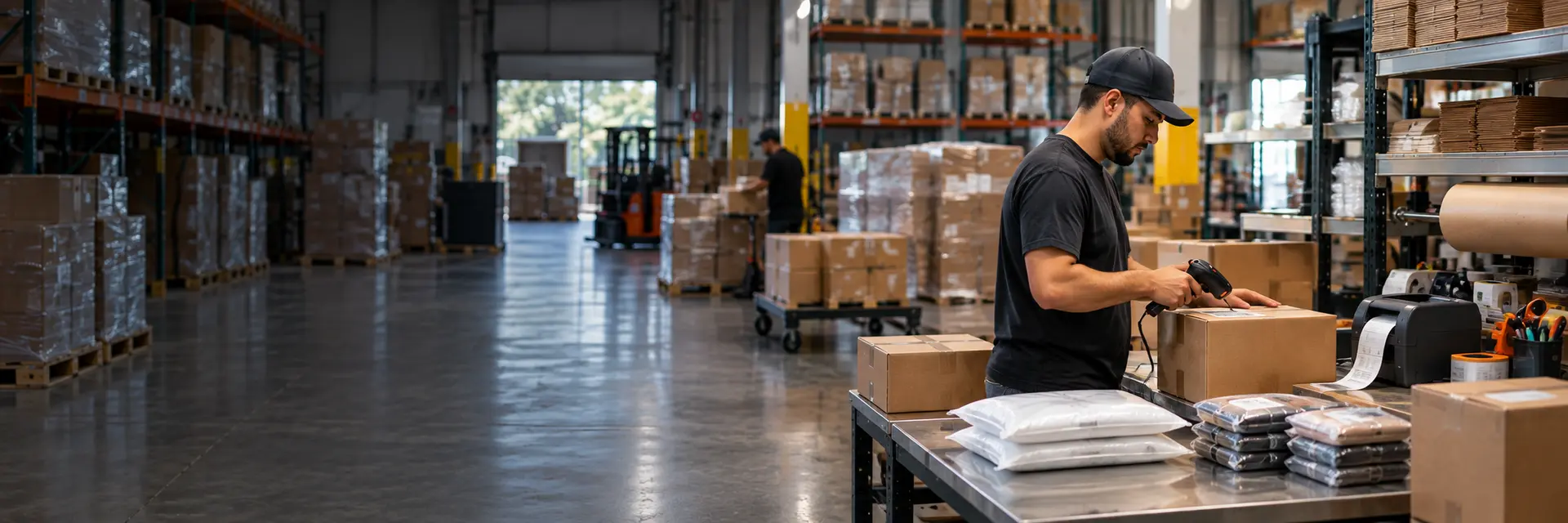
We print and apply these every day at our warehouse in Niles, Illinois. So this post is less theory and more "here's what actually goes wrong on the table."
FNSKU or UPC: two barcodes, two jobs
This is where new sellers get confused. The FNSKU vs UPC question comes down to what each code identifies.
- UPC (or EAN)
- Identifies the product. Every seller of the same item can have the same UPC.
- FNSKU
- Identifies the product as sold by you, inside Amazon's fulfillment network.
The UPC is the manufacturer barcode. It's printed on the retail box and it's the same whether you, your competitor or a big-box store is holding the item. Amazon uses it (or a similar product ID) to find the right catalog page when you create a listing.
The FNSKU is Amazon's own barcode for your version of that listing. Two sellers with the same UPC product will usually have two different FNSKUs. That's the whole point. It lets Amazon keep your units separate from theirs.
So which Amazon barcode goes on the unit? For most third-party sellers, the FNSKU. Some sellers and some products can ship on the manufacturer barcode instead, depending on account settings and Amazon's rules at the time. Those settings and programs have changed before and probably will again, so check your current Seller Central options before you decide.
Why sellers label units at all (the commingling idea)
Here's the concept in general terms. If every seller ships the same product on the same manufacturer barcode, the warehouse can treat all those units as interchangeable. A customer orders from you, and the unit that ships might physically be one another seller sent in. That pooling is usually called commingling.
For a lot of sellers, that's a risk they don't want. If someone else sent in a damaged or questionable unit and it ships under your order, the complaint lands on your account. Your own unit labels avoid that, because each unit can be traced back to whoever sent it.
We're not going to tell you exactly how Amazon handles this today. What we can say is that the sellers we work with mostly label their own units, and that's the safe default until you've read the current rules yourself.
Covering the old barcode
Once a unit has your FNSKU, the manufacturer barcode becomes a problem. A scanner in a fulfillment center grabs whatever barcode it sees first. If the UPC is still visible, the unit might get scanned as the wrong thing, or flagged.
The general rule of thumb is one scannable barcode showing on the outside of the unit. So the usual move is to put the FNSKU label right over the old barcode. If the box has more than one (a promo sticker, say), each one needs covering.
Arbitrage loads are the worst for this. Retail stickers, clearance tags, store barcodes layered on top of each other. We remove those for $0.25 a unit before the new label goes on, because a label slapped on top of a peeling price tag tends to fall off in transit.
Your detailed prep and labeling rules (placement, poly bag suffocation warnings, expiration dates and so on) live in Amazon's help pages. We wrote a broader guide on Amazon FBA prep requirements if you want the bigger picture.
Common FNSKU labeling mistakes we see
None of these are exotic. They're the same handful of problems, over and over.
Wrong label on the wrong SKU
This is the expensive one. A seller has a blue and a black version of the same item, the label files look almost identical, and someone puts the blue label on black units. Amazon now thinks you have 200 blue and zero black. Customers order blue and get black. So we match each label file to the SKU on the work order before printing anything.
Labels on curved surfaces
Bottles, tubes, round tins. A flat label wrapped around a tight curve bends the bars, and scanners don't love that. Where possible the label goes on a flat face. Where there isn't one, the unit often gets bagged and labeled on the bag, if your product's rules allow it.
Covering the expiration date
Food, supplements, cosmetics. The FNSKU goes over the UPC, which is fine, until the UPC sits right next to the lot code or expiry and the label covers both. Dated products usually need that info visible. If we can't cover one without hiding the other, we flag it before we label 500 units the wrong way.
Labels that won't scan
Low printer heat, smudged ink, a label stuck across a box seam, a wrinkle right through the bars. Each one can turn into a unit Amazon can't identify. We test scan a sample from each batch, which takes seconds and saves a lot of grief.
If you want a second set of eyes on units before they leave, that's what our inspection and quality control service is for. Basic visual QC is $0.25 a unit.
Unit labels vs carton labels
- Unit labels (the FNSKU) go on every sellable item. They identify the product.
- Carton labels go on each shipping box. They tell Amazon which shipment and box this is, so it can be received against your shipping plan.
- Your carrier shipping label is a third thing entirely. It just gets the box to the right building.
Get unit labels right and carton labels wrong, and the boxes can still sit in receiving. Both matter. At our warehouse an additional carton label is $0.20, and FBA shipping-plan admin is $5 a shipment (it may be included on qualifying volume).
And if you sell on more than one marketplace, don't assume the process is the same everywhere. Walmart uses its own labeling workflow and item identifiers, which we cover on our Walmart WFS prep page.
Doing FBA labeling yourself vs using a prep center
Labeling 50 units at your kitchen table is fine. Labeling 3,000 units across 12 variations while also running ads and answering customers is a different story.
Here's how it works with us. You send the label files digitally with your work order. We receive the inventory, check counts, remove old stickers where needed, print and apply the labels, bag or wrap anything that needs it and build the cartons. Then it ships out to Amazon.
Concrete numbers, from our own rate table:
- 01
Base prep
Wholesale or private-label prep starts at $0.70 a unit for 20 to 500 units, which covers receiving and basic inspection.
- 02
FNSKU label
$0.35 to $0.40 per unit, using the label file you supply.
- 03
Extras if needed
Sticker removal $0.25 a unit, poly bags $0.30 to $0.50 by size, bubble wrap $0.60 to $1.25.
So say you have 300 private-label units that need a label and nothing else. That's roughly $0.70 plus $0.35 to $0.40 per unit before shipping. Full breakdowns are on our pricing page, and our post on what an FBA prep center costs walks through a full example.
If you're looking for an Amazon FBA prep center in Chicago, we're at 5673 W Howard St in Niles. We also handle Walmart, TikTok Shop and other channels as a marketplace prep center, so one warehouse can label for more than one storefront. One note: you're still responsible for your listings and labels being correct in Seller Central. We apply what you send us.